Take a course and get your certificate
Choose a course, work through its lessons, and download your certificate.
For members.
Choose a course
Open Courses
Open Courses, or Training at the top of the site to see which courses are free.
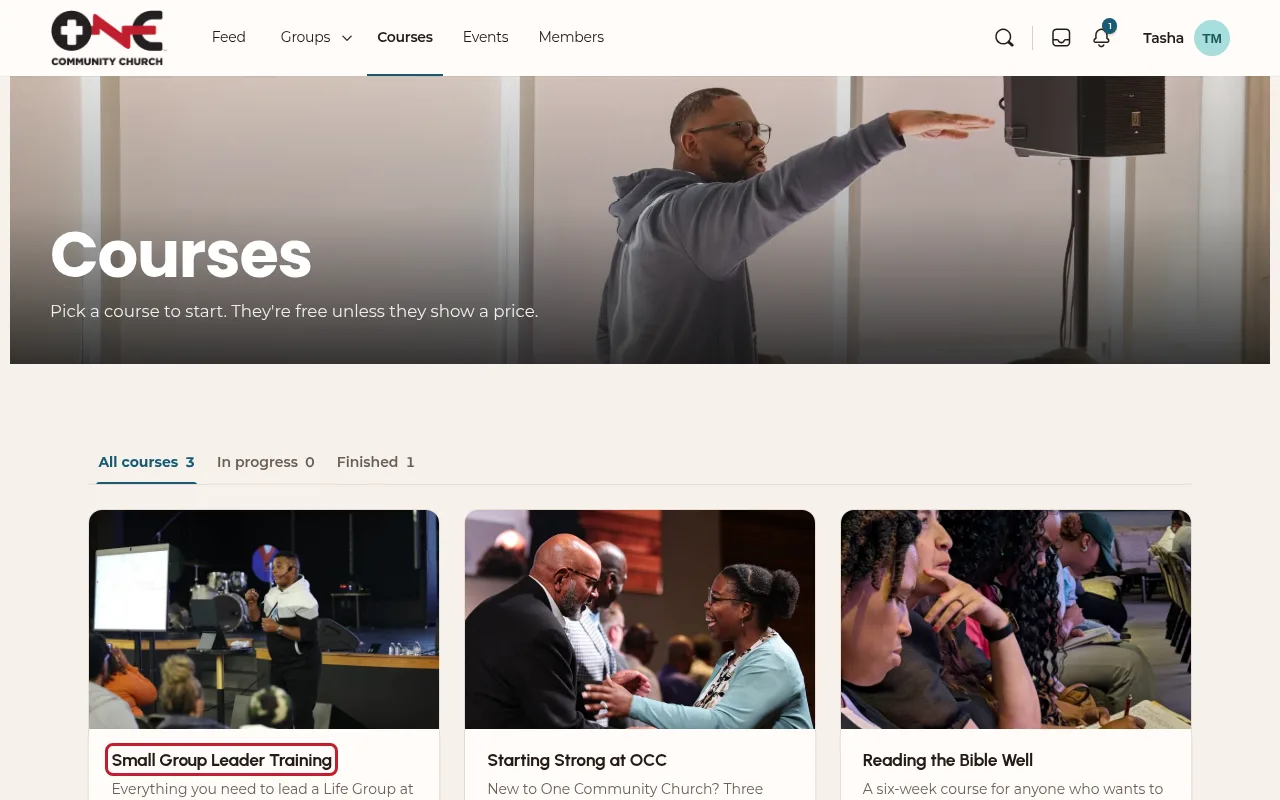
The screens here come from our test site, and everyone in them is made up. Open a course
Open the course to see its modules, then start the first lesson.
Work through the lessons
Read or watch the lesson
Each lesson has a short reading or video, a Scripture and a Try this step.
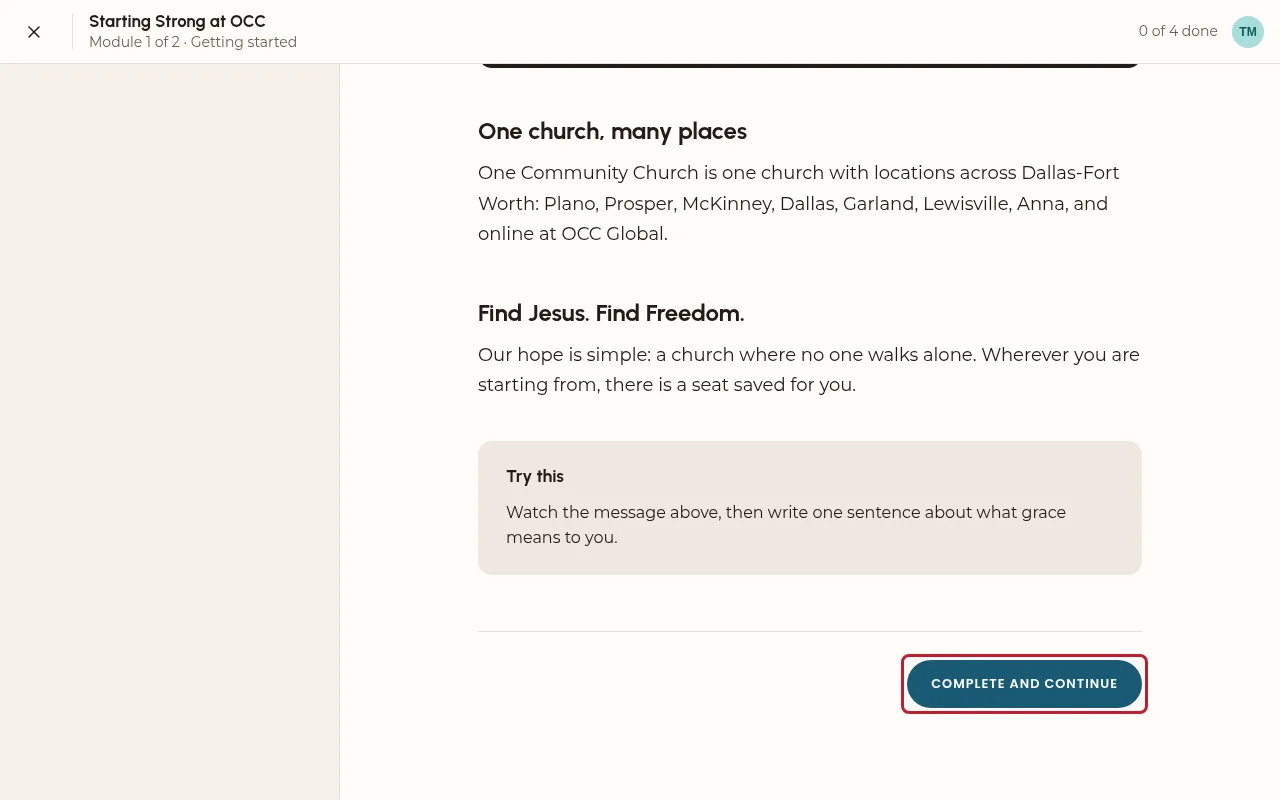
The screens here come from our test site, and everyone in them is made up. Press Complete and Continue
Press Complete and Continue at the end of each lesson. Your progress is saved, so you can stop and come back later.
Take the checks and the final quiz
Every few lessons, a short check helps you remember. The final quiz needs 80%, and you can take it again.
Get your certificate
Open Certificate
When you’ve finished every lesson and passed the final quiz, Certificate appears in the course’s left panel.
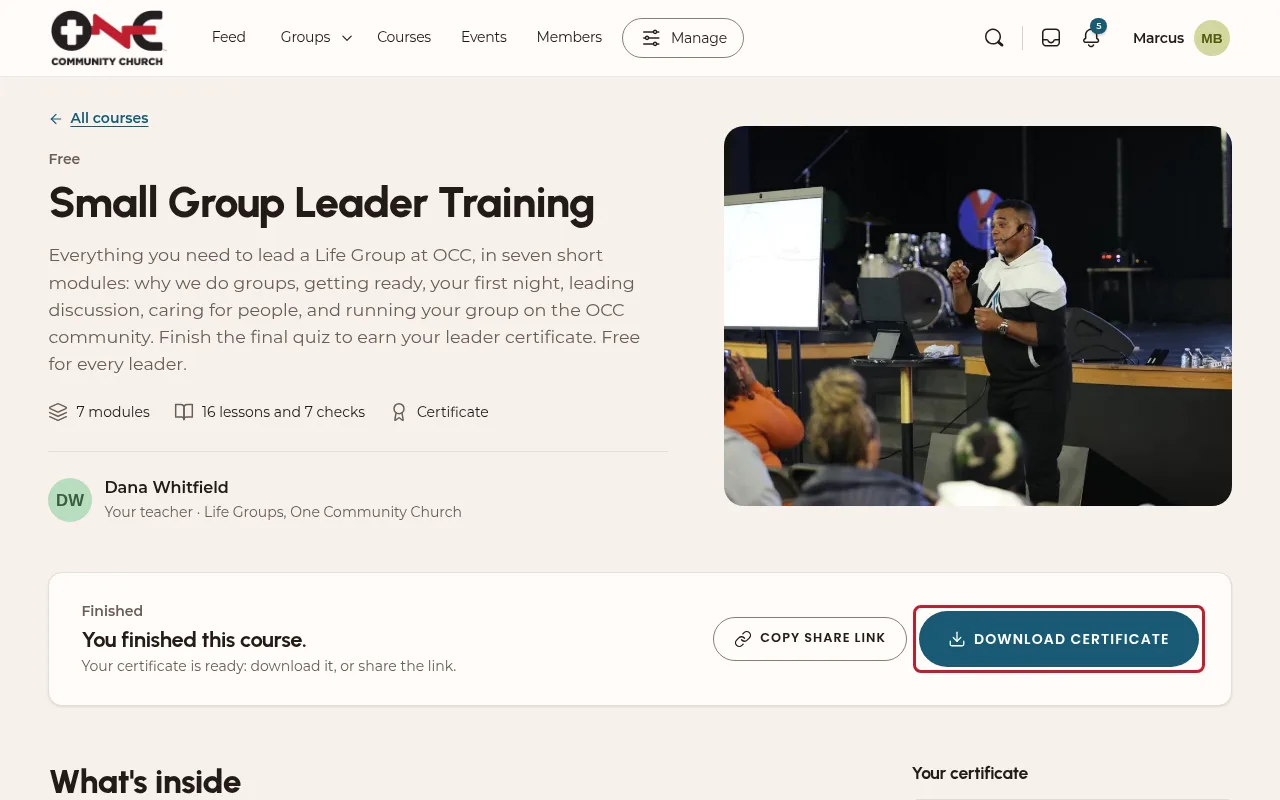
The screens here come from our test site, and everyone in them is made up. Download or share it
Download it, or use the share link beside it.
Was this helpful?