
Sign in at an event
Scan the sign at the door with your phone, and type your cell number.
For everyone.
Sign in at the door
Scan the sign
At the door there’s a sign with a code. Point your phone’s camera at it, and open the link that appears.
Type your cell number
Type your cell number. That’s all it needs: no account and no password.
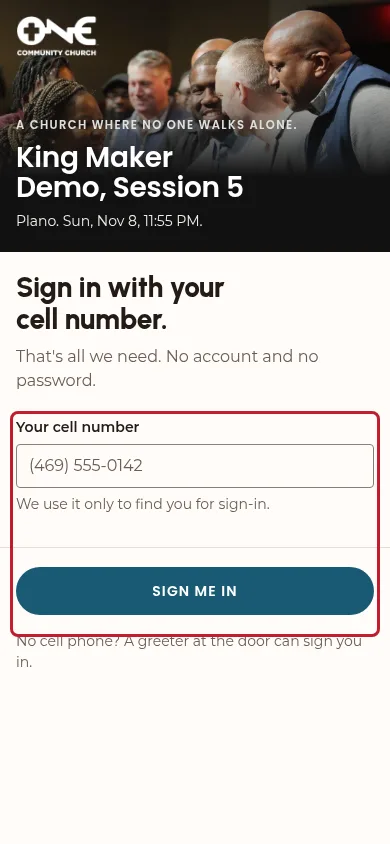
The screens here come from our test site, and everyone in them is made up. Press Sign me in
You’re signed in. Next time, that phone remembers you.
If you’re on the community
If you’re signed in to the community on that phone, the door already knows you. Press Sign me in and you’re done.

If you signed in with your number, Email me a code also signs you in to the community and opens the event’s group.
No phone with you?
A greeter at the door can sign you in.
Was this helpful?