Post and message in your group
Share an update with your group, and message someone.
For members.
Share something with your group
Open your group’s Feed
Press Groups at the top, open your group, then open its Feed. Writing here posts just to that group. Writing at the top of your News Feed shares it more widely.
Write your post
Write in the box that says Share what’s on your mind. To add a photo, press the camera button.
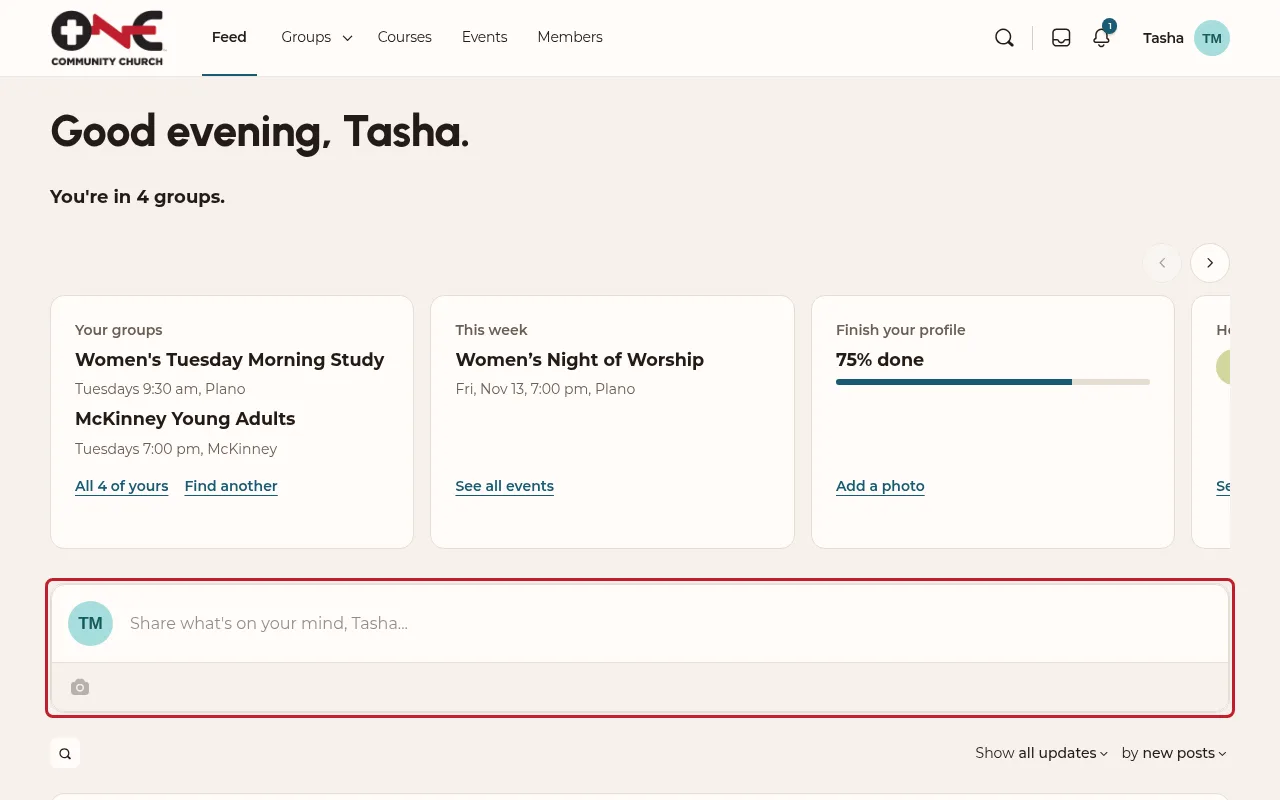
The screens here come from our test site, and everyone in them is made up. Post it
Press Post. Everyone in the group sees it in their News Feed, and they can reply to it.
Message someone
Find the person
Open their profile, from Members at the top or from your group’s member list.
Press Message
Press Message on their profile, write your message, and send it.
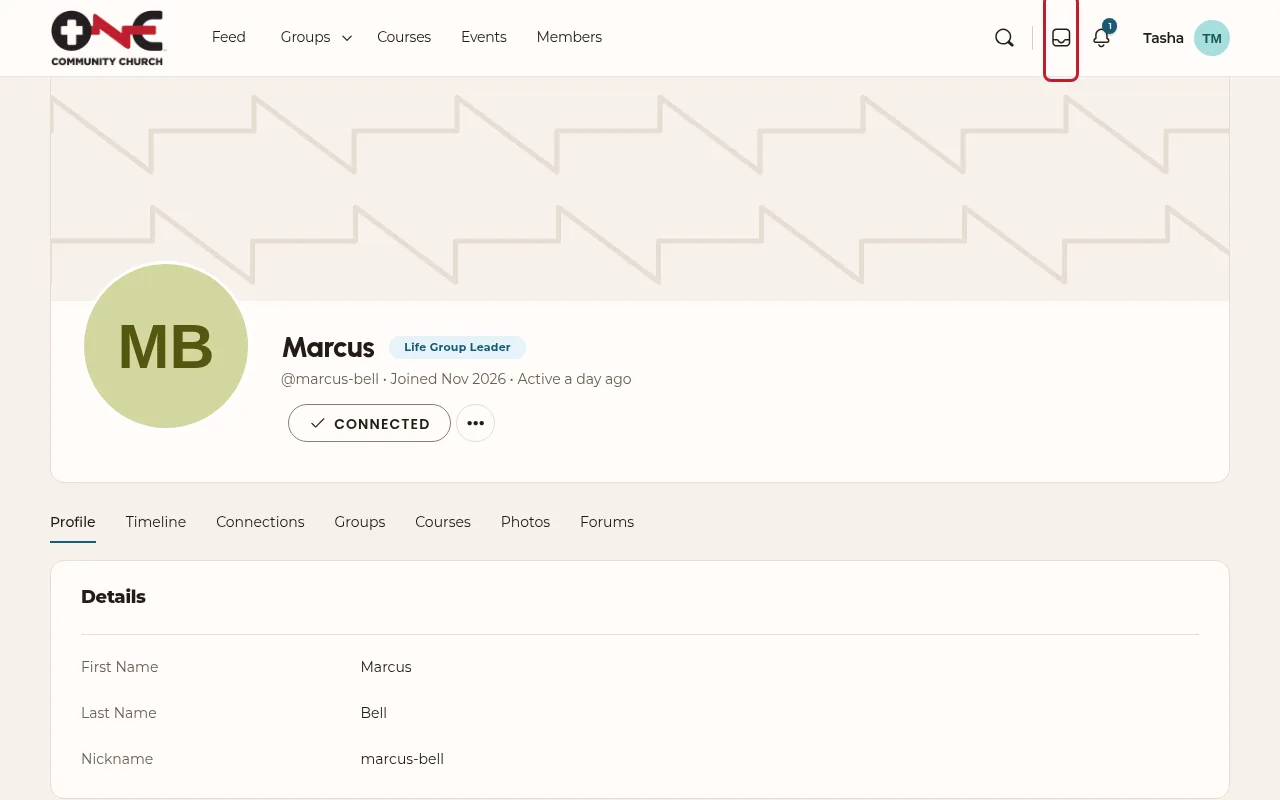
The screens here come from our test site, and everyone in them is made up. Find your messages later
The envelope at the top of the site opens all your conversations, and shows a number when someone has written to you.
Good to know
Never share someone else’s prayer request or personal news without asking them first.
Was this helpful?